Get Started
Install the CLI and deploy your first app in minutes.
Install
curl -fsSL https://www.eyrun.dev/install.sh | bash
To update to the latest version:
eyrun updateSignup & Login
-
Sign up or log in
eyrun signup eyrun login -
Initialize your project
Run this in your project directory. It walks you through selecting an account, naming your project, and configuring your VM.
eyrun init -
Open the project dashboard
After init, run
eyrunto see your project status and deploy from here.eyrun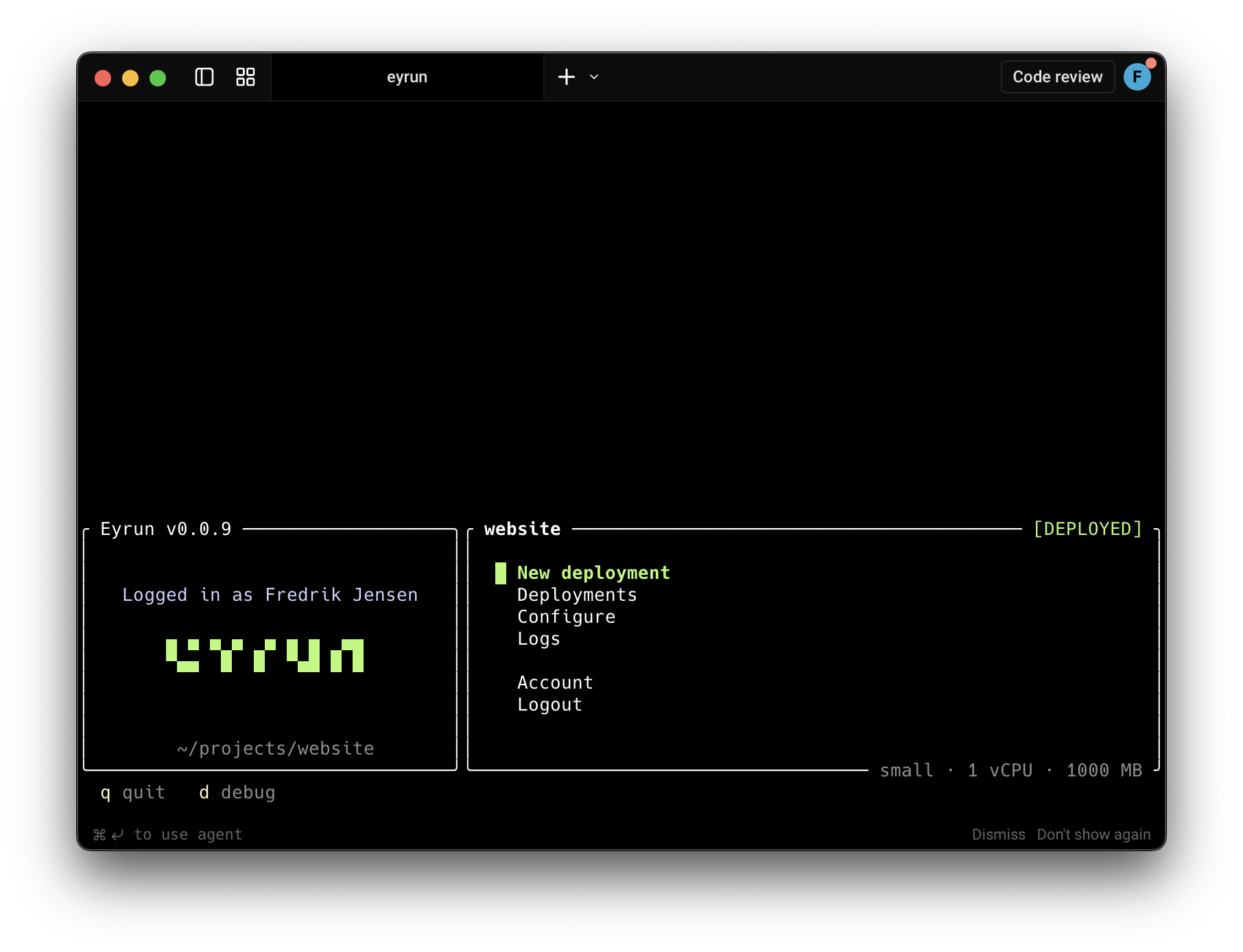
-
Deploy
Select "New deployment" from the dashboard, or run it directly. Build output streams to your terminal.
eyrun deploy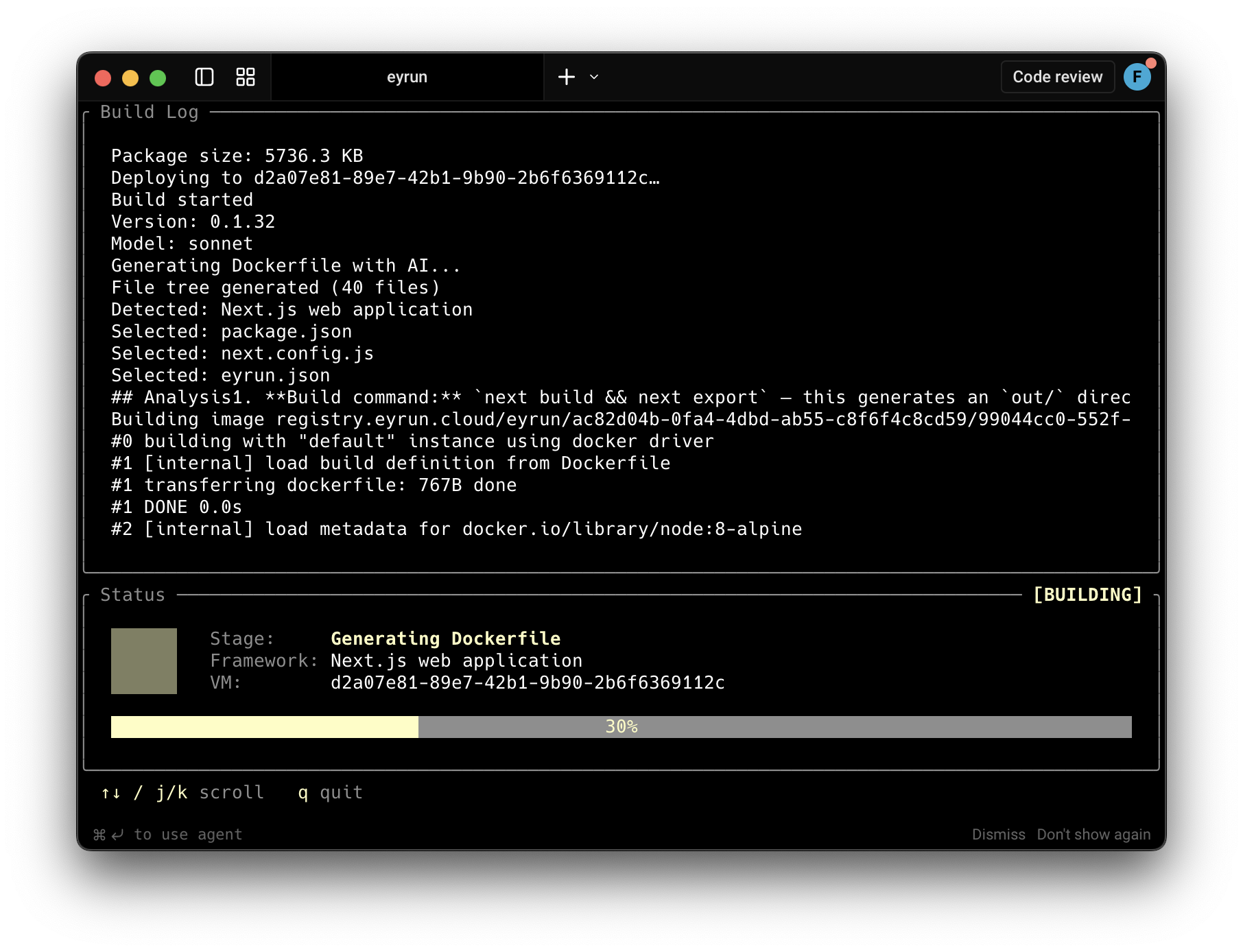
Commands
| Command | Description |
|---|---|
eyrun |
Open the project dashboard |
eyrun init |
Set up a new project in the current directory |
eyrun deploy |
Deploy your project and stream the build output |
eyrun logs |
View logs from the latest deployment |
eyrun status |
Show VM status (name, URL, instance type, image) |
eyrun tui |
Open the full account browser |
eyrun login |
Log in to your account |
eyrun signup |
Create a new account |
eyrun update |
Update the CLI to the latest version |
Account Browser
eyrun tui opens a full-screen terminal UI for browsing everything in your account:
Accounts → Projects → VMs → Actions
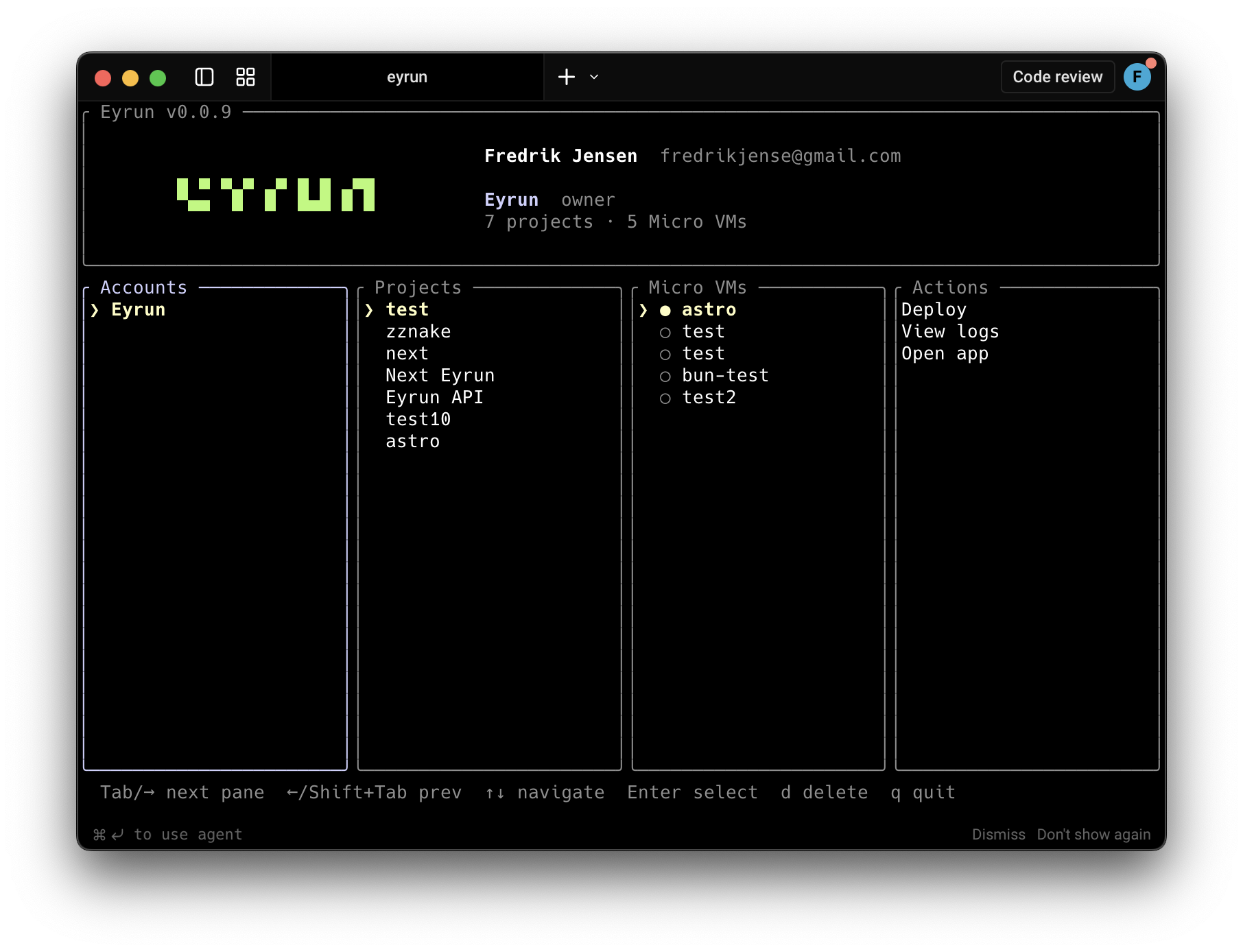
From here you can deploy, view logs, or open any app across all your accounts and projects.
Select "Configure" from the dashboard to view your VM specs, status, and image details.
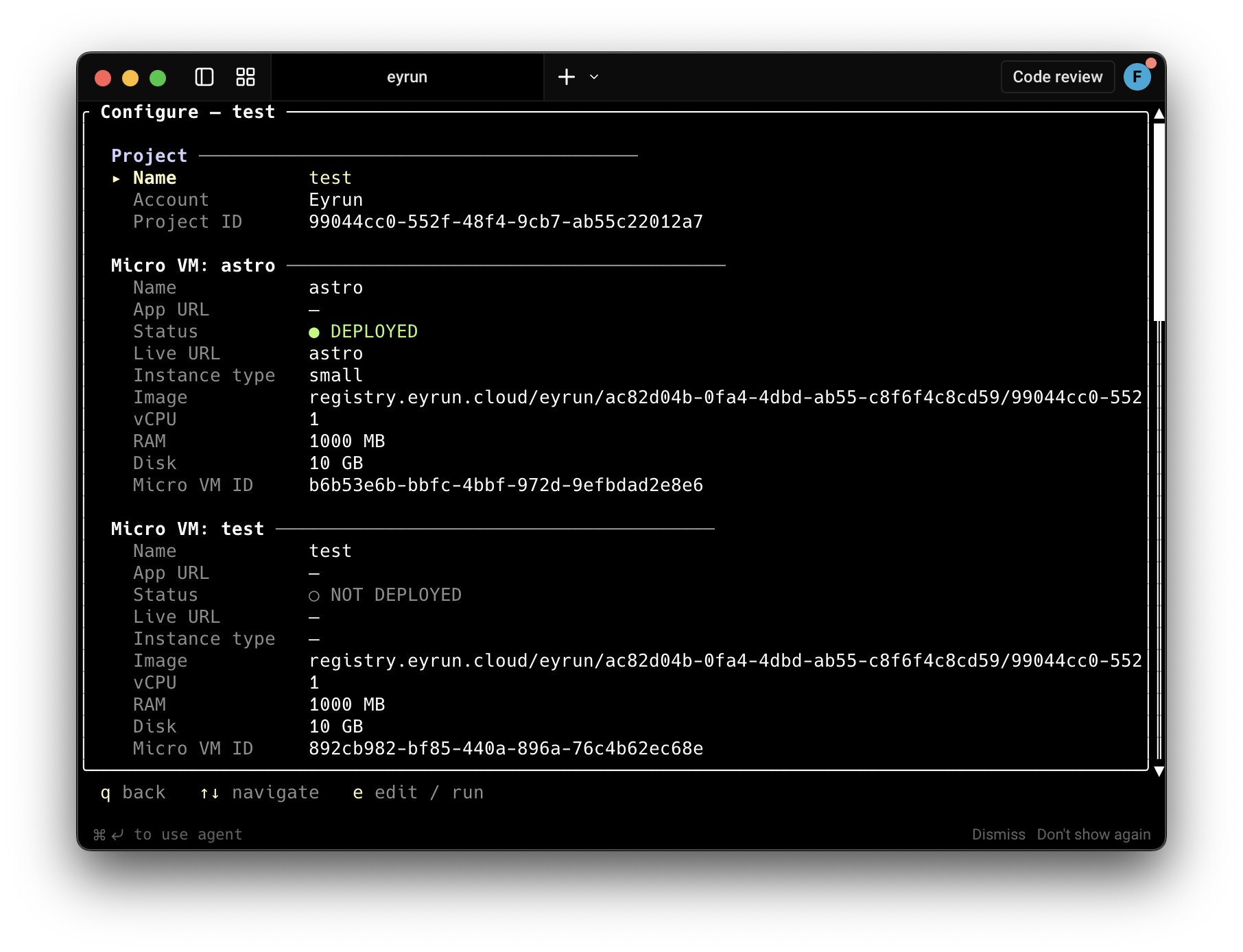
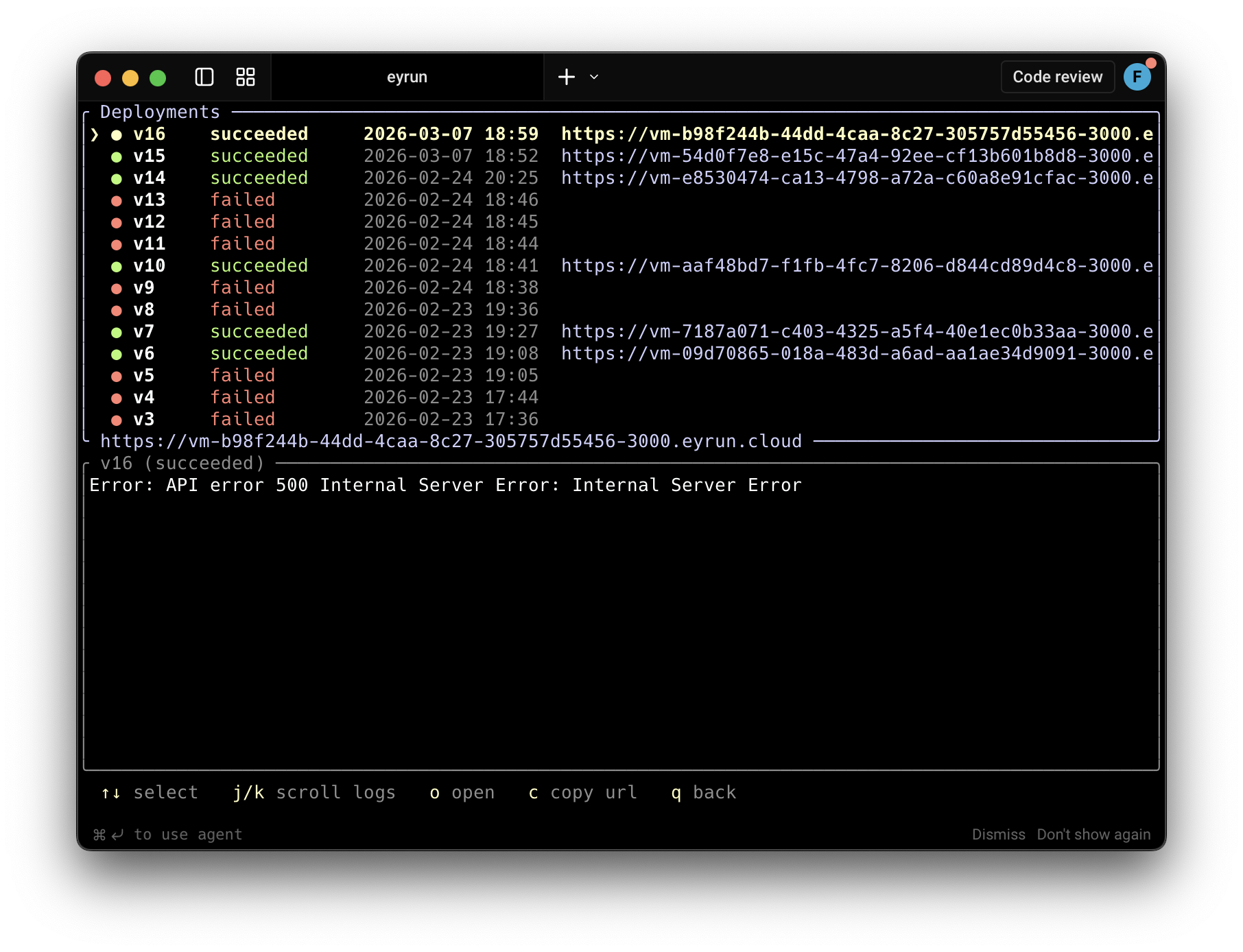
Deployments
View all past deployments, their status, and URLs. Select a deployment to see logs or open it in your browser.
Data Storage
The CLI stores your session locally: